Accessibility starts before the door. Visitors need to find the right entrance, understand where to go and locate the platform lift, reception or assistance call button. Without that information, even an equipped entrance can be difficult to use on a first visit. Thoughtful wayfinding reduces unnecessary searching and helps people act independently.
1. Start with the visitor’s route
Check the journey from the approach to the building through to the service destination. Where does someone first need to choose a direction? Is the next sign visible after a turn? If the accessible entrance is on another side of the building, directions are needed before a visitor reaches stairs or a locked door.
Use the same name for each destination throughout the route. Short labels such as “Entrance”, “Reception” and “Platform lift”, together with clear arrows, make decisions easier. Explain unfamiliar abbreviations or internal department names. When a route changes, update the information at every affected point.
2. Make information visible and readable
Text and pictograms should stand out clearly from their background. Simple letterforms, adequate spacing and a size suited to the viewing distance all help. Avoid squeezing an entire description of the organisation onto a small sign. Each sign should answer a specific question at a specific location.
Check signs under actual lighting, from the direction of approach and from a seated position. Reflective surfaces, shadows, advertising boards or an open door can hide essential information. Colour can support navigation, while words and symbols also communicate direction and purpose.
3. Combine visual and tactile information
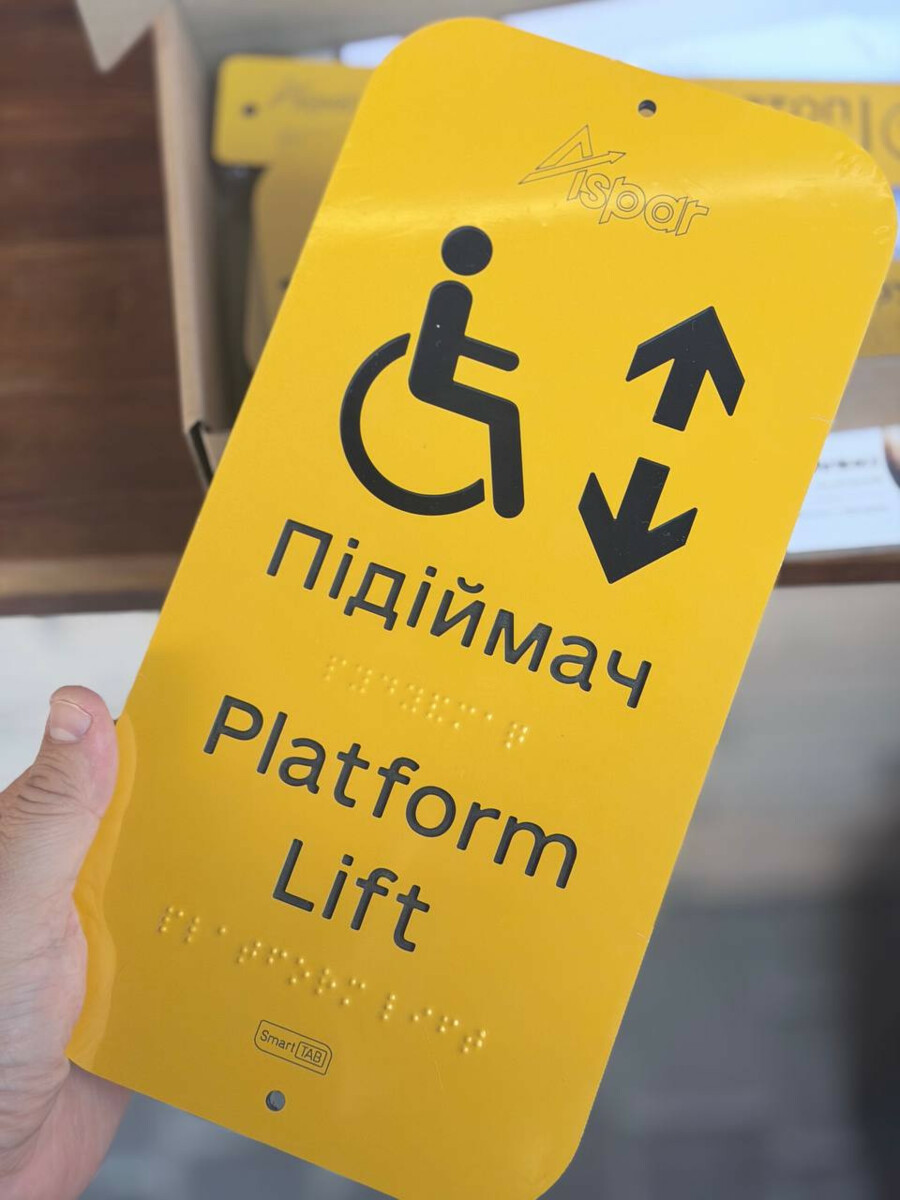
Tactile signs allow information to be read by touch. Braille is important for people who use it and should be combined with readable visual text and appropriate raised elements. Braille alone does not make information accessible to every visitor.
A sign must be installed where people can approach and touch it safely. An overhead directional sign and a tactile sign serve different purposes. External and internal signs have separate placement requirements, so exact specifications should be checked during design. Before production, have a competent specialist check the wording and Braille. After installation, involve users in checking usability.
4. Distinguish markings from tactile guidance
Using contrast to highlight doors, glass surfaces and hazardous changes in level helps people notice them. Tactile ground indicators have different functions. Depending on their type, they warn, guide or identify an important point along a route.
The layout should be designed for the individual space. Randomly adding raised elements can send conflicting signals. Coordinate the route with door movements, stopping points and obstacles. Mats, furniture and temporary advertising displays should not cover the intended wayfinding features.
5. Check wayfinding alongside physical access
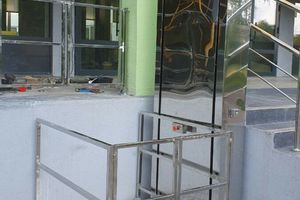
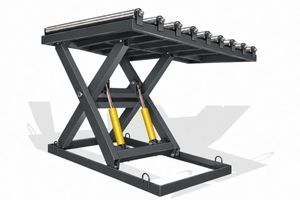
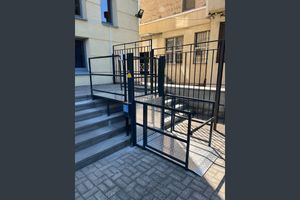
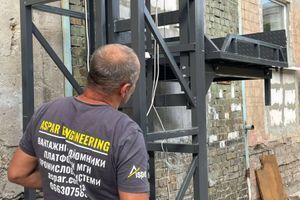
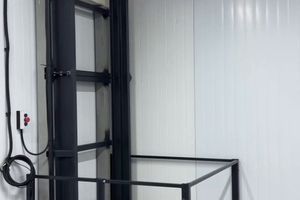
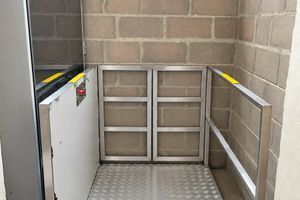
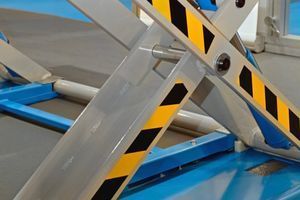
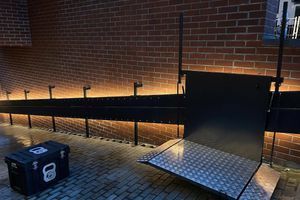
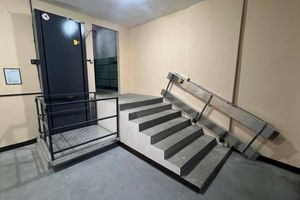
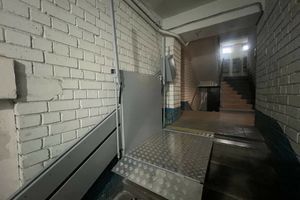
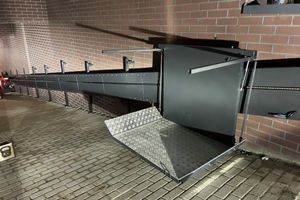
A lift sign helps people find equipment. Being able to use it also depends on the approach, landings, doors, controls and operating arrangements. Coordinate these elements while developing the solution. The ASPAR entrance project in Kyiv provides an example of equipment selected to overcome a change in level. It illustrates equipment selection; the wayfinding for each new site needs its own assessment.
A short checklist for building owners
- The intended entrance and accessible route can be found from the approach.
- Destination names, arrows and pictograms remain consistent throughout.
- Signs are readable under actual lighting and are not obscured.
- Tactile information can be reached safely and its content has been checked.
- Markings, tactile guidance, doors and equipment work together.
- Wayfinding is updated and checked again after building work or entrance changes.
Frequently asked questions
Is a wheelchair symbol enough?
Visitors also need clear directions and a genuinely accessible route to the marked entrance or equipment. The symbol alone does not explain the whole journey.
Can all information be provided only in Braille?
Information should be combined in suitable visual and tactile formats. People use sight, touch and other ways of obtaining information.
Where should a wayfinding update begin?
Follow the route as a first-time visitor, mark decision points and record obstacles. Use this plan to coordinate signs, markings and technical solutions.
Ukrainian regulatory context
This article takes account of DBN V.2.2-40:2018 with Amendments 1-4, checked on 16 October 2026. Wayfinding provisions include Section 8 and Annexes В and Ж. The checklist helps define a task; a qualified specialist should assess compliance for the individual site.
Planning an accessible entrance?
Send ASPAR photographs of the entrance, the route layout, the change in level and landing dimensions. The team can review these inputs for lifting-equipment selection. For a broader planning approach, see our practical guide to building accessibility.