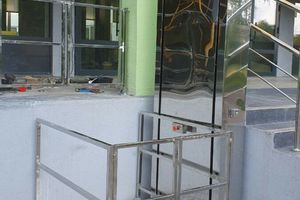
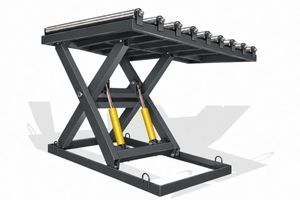
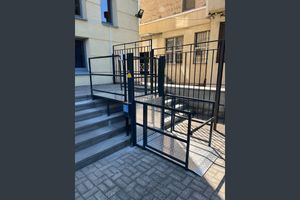
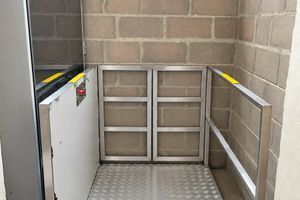
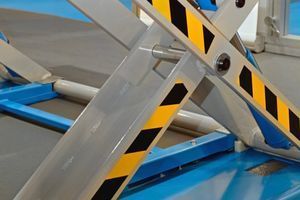
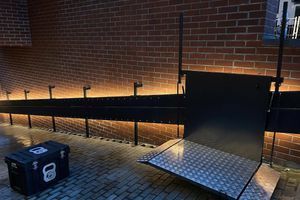
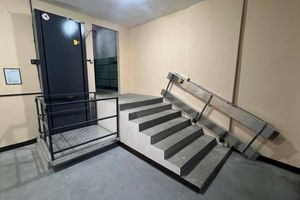
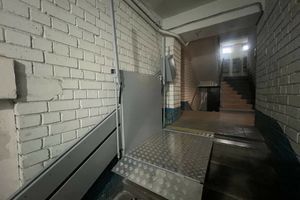
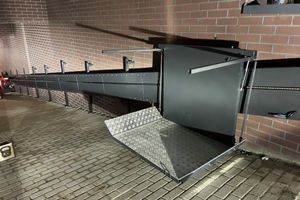
In a school, residential building or public facility, a platform lift may serve many different people. Where equipment is in an open-access area, the customer can consider access control, with activation following authorisation by a user or responsible staff member.
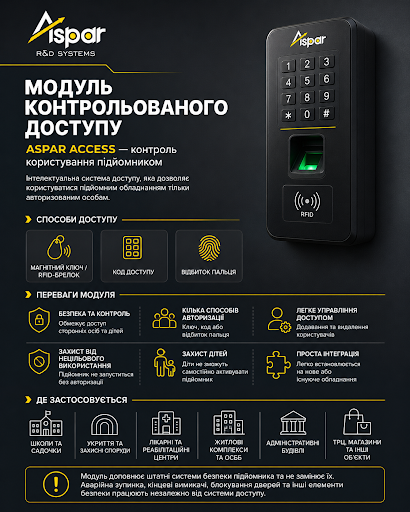
ASPAR offers a controlled-access module as an optional feature. The authorisation method and compatibility with a particular lift need to be agreed when specifying the equipment. It is important to plan how people will obtain access in everyday situations.
Which options can you discuss?
The options presented by ASPAR include a magnetic key, an RFID fob, a keypad and a fingerprint reader. These are possible ways to implement the option, rather than features included by default on every model.
- Magnetic key or RFID fob: decide who receives access devices, how they are recorded and what happens if one is lost.
- Keypad: check whether entering the code is practical and agree how codes will be changed and communicated to users.
- Fingerprint reader: discuss the handling and storage of biometric data separately, along with an alternative access method for people who cannot or do not wish to use the reader.
The specific device, its location and operating logic should be agreed for the selected equipment and site conditions.
Start with the way people will use the lift
First, identify the users: residents, staff, pupils, patients or visitors. Will they need to activate the platform independently? Will a staff member provide assistance? What will a first-time visitor do?
If only one person holds the key, their absence can make access difficult. Alongside choosing the module, establish a clear procedure for issuing keys or fobs, requesting assistance and providing cover when the responsible staff member is absent.
At a site with visitors, identify where assistance is available and how someone can request use of the lift. Check whether a wheelchair user can use that method of requesting help.
Check that authorisation is practical
When agreeing the device's location, consider the approach space, whether users can retrieve a key or fob, read the labels and perform the required action. Where possible, involve future users in reviewing the proposed arrangement.
Entering a code or using a fingerprint reader is not convenient for everyone. If the selected method creates difficulties, discuss an alternative before ordering. For outdoor installations, also confirm the access device's permitted operating conditions.
Agree procedures for faults and lost access devices
Ask the supplier to explain what to do if a fob is lost, the reader stops working or the power supply fails. Establish who is authorised to restore access and when a service request is needed.
An authorisation module does not replace the lift's protective features. Do not modify its connections or bypass interlocks yourself. Actions during a fault must follow the documentation for the agreed system.
What to include in the supplier brief
When requesting this option, provide:
- The lift type and details of existing equipment if a retrofit is being considered.
- The installation location and operating conditions.
- The user group and any need for independent access or assistance.
- The preferred authorisation method and any required alternative.
- Visitor access arrangements and the responsible staff members.
- Questions about lost keys, faults, servicing and access records, if required.
Planning a new lift installation or a retrofit? Contact ASPAR with a description of the site and intended use. This will help establish compatibility, agree the equipment configuration and organise access without unnecessary difficulty for users.